Prompt-to-video with generated sound

Give the idea a pulse.
See it become a film.

Artquil turns a creative thought into a complete moving story — shots, voice, music and atmosphere built as one cohesive film, ready for the screen.

Artquil render
Your narration, on the cut
Your prompt

1080p Audio mixed in
Rendering... 0%
From thought to motion

One idea can become a whole visual world.

Write the feeling, the setting and the point of view. Artquil turns that direction into a connected sequence with its own rhythm, sound and cinematic identity.

A story arc shaped around your brief Images that belong together from shot to shot Sound that moves with the picture
Explore visual directions
A written idea becoming a cinematic sequence of connected video frames
Why video stays expensive

Great video should begin with imagination, not a production schedule.

Writing, shooting, editing, sound design, mix. Every stage is a handoff, a calendar and an invoice — which is why most teams that need video simply go without it.

The traditional pipeline

Five stages, five schedules

  • A script, then a storyboard, then a shoot day that has to be booked
  • Editing waits on footage; sound design waits on the edit
  • Every change re-opens a stage someone had already closed
  • Cost scales with minutes, so nobody makes the second version
The Artquil pipeline

One prompt, one pass

  • Describe the video in plain language — no shot list required
  • Picture and audio are generated together, already in sync
  • Change the sentence, re-render only what the sentence changed
  • Cost scales with compute, so the second version is worth making

The goal is not cheaper video. It is video for the teams who were never going to get a budget for it.

What a render contains

A film has more than pictures. Artquil makes the whole experience.

Most generative video hands you a silent clip and leaves the hard part to you. Artquil writes the picture and the sound in the same pass, so they line up by construction rather than by editing.

  1. 01

    Picture

    Scenes, camera movement and continuity resolved from the prompt — shot lengths chosen to fit what the narration actually has to say.

  2. 02

    Voiceover

    Narration written and spoken in the register the brief asks for, timed to the cut instead of stretched over it afterwards.

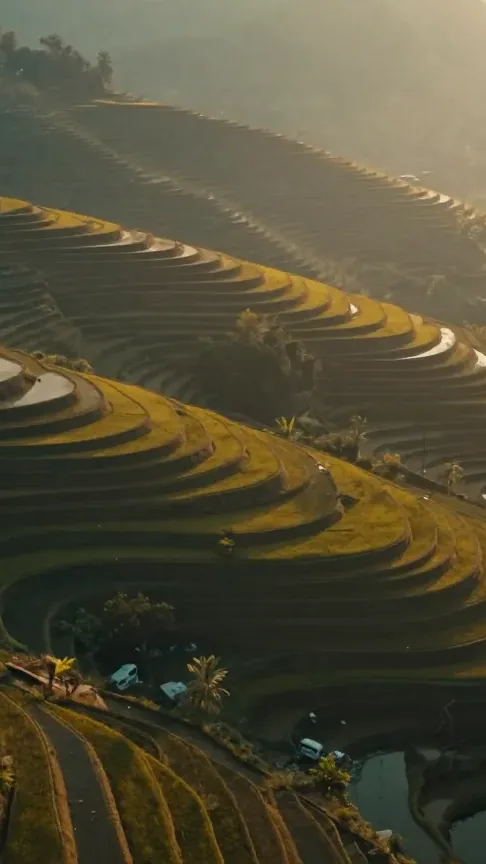
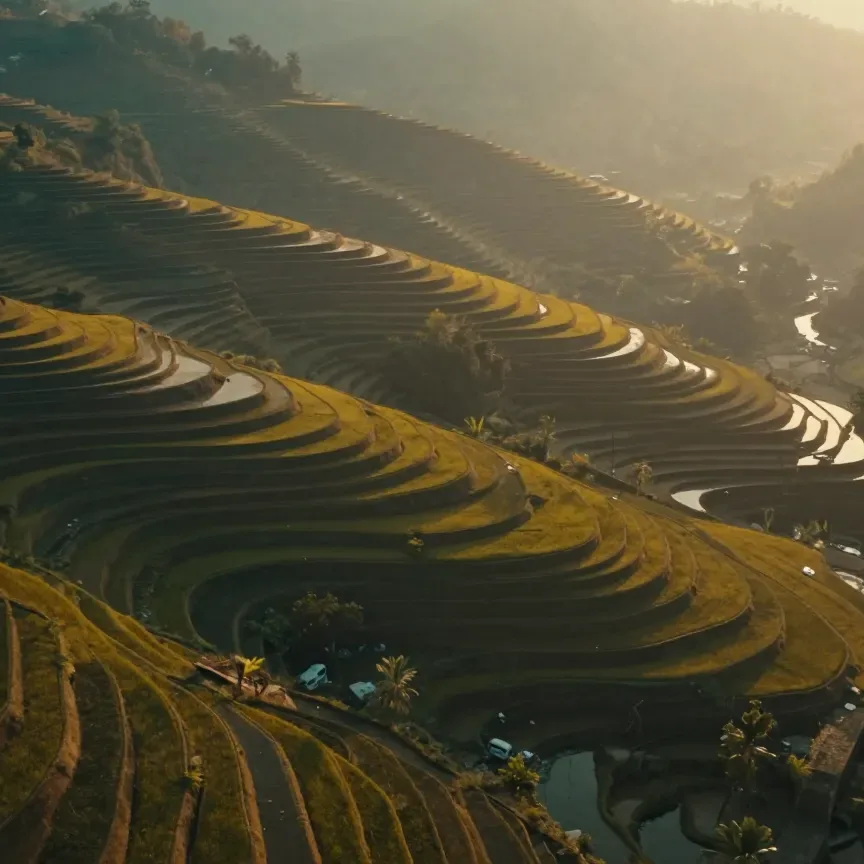
A finished Artquil render: an aerial shot of terraced fields at golden hour, with narration and score generated alongside the picture Artquil render
“Terraces at first light” VO · Music · SFX
  1. 03

    Music

    A score that follows the edit — building where the picture builds, stepping back under the voice, resolving on the last frame rather than fading out.

  2. 04

    Sound effects

    The room, the footsteps, the impact. The layer nobody notices until it is missing, placed against the frames that need it.

What a render contains, in full

How it works

From an idea on the page to a film in your hands.

  1. 01

    Describe it

    Write what the video should be, the way you would explain it to a colleague. Artquil resolves the shots, the script and the tone from that.

    “a 30s product film for a portable speaker, night studio, low bass score”
  2. 02

    Generate it

    Model inference runs on GPU: scenes are rendered while narration, score and effects are generated against the same timeline.

    picture + voice + music + SFX · single pipeline
  3. 03

    Deliver it

    A mixed, finished video comes back in the aspect ratios you need — ready to publish, or to re-render from an edited sentence.

    16:9 · 1:1 · 9:16 · MP4 · 1080p
Capabilities

Built for stories that need to move quickly and still feel considered.

Plain language in, no shot list

The prompt is the whole interface. Describe subject, mood, length and register in a sentence — Artquil turns that into scenes, a script and a sound design brief without asking you to think like a director.

Synchronized audio

Voiceover, background music and sound effects arrive already mixed against the picture — not as separate stems for someone else to align.

Every aspect ratio

One render, reframed for landscape, square and vertical, with the subject kept inside the safe area of each.

Consistent look

Palette, typography and pacing hold across a series, so episode ten still belongs next to episode one.

Built on AWS

Model inference runs on GPU instances sized to the job; cloud rendering scales with the queue, so a batch of forty is a capacity decision rather than a scheduling problem.

Who it is for

Teams that need more video than a production budget allows.

The constraint is rarely ideas. It is that every idea has to survive a schedule and a quote before it becomes a video.

A skincare jar lit on a stone plinth — product film generated for campaign creative
Marketing teams

Campaign creative at scale.

Produce a spread of executions from one brief instead of betting the quarter on a single hero cut.

An instructor presenting in a modern office — course content generated for an e-learning provider
E-learning

Course content, module by module.

Turn written curriculum into narrated video lessons, with a consistent voice across the whole syllabus.

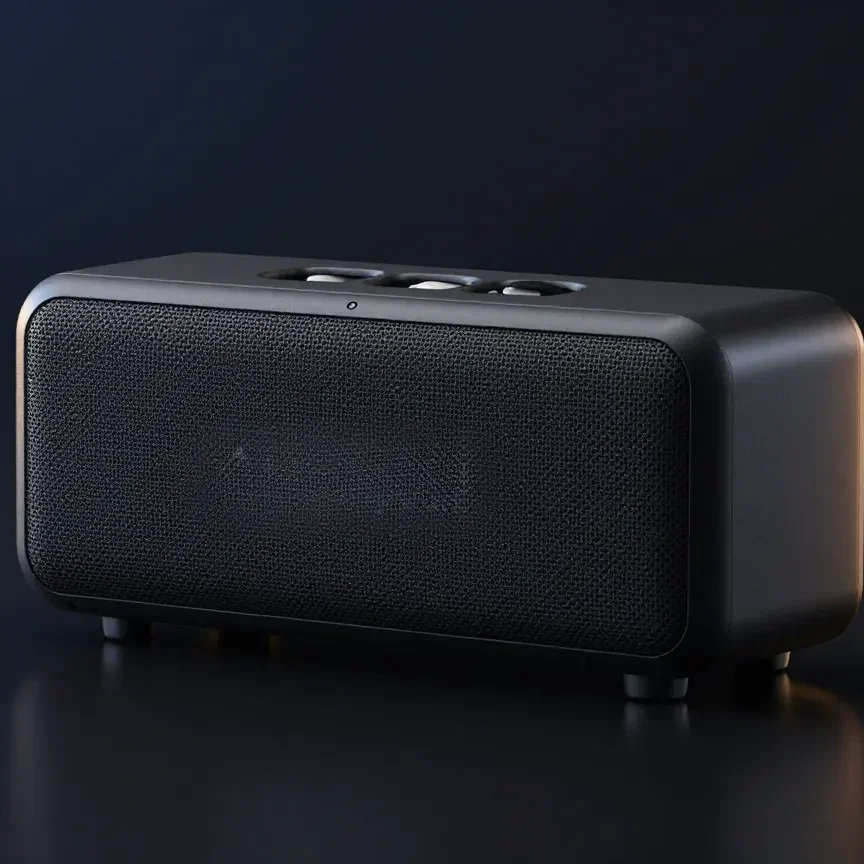
A portable speaker in a dark studio — a product video generated for an e-commerce catalogue
E-commerce

A video for every product.

Catalogue-wide coverage, so the long tail gets the same treatment as the bestseller.

An aerial view of terraced fields at golden hour — a concept sequence prototyped for a studio
Media & entertainment

Prototype the concept first.

See a sequence with its score before committing a budget to shooting it.

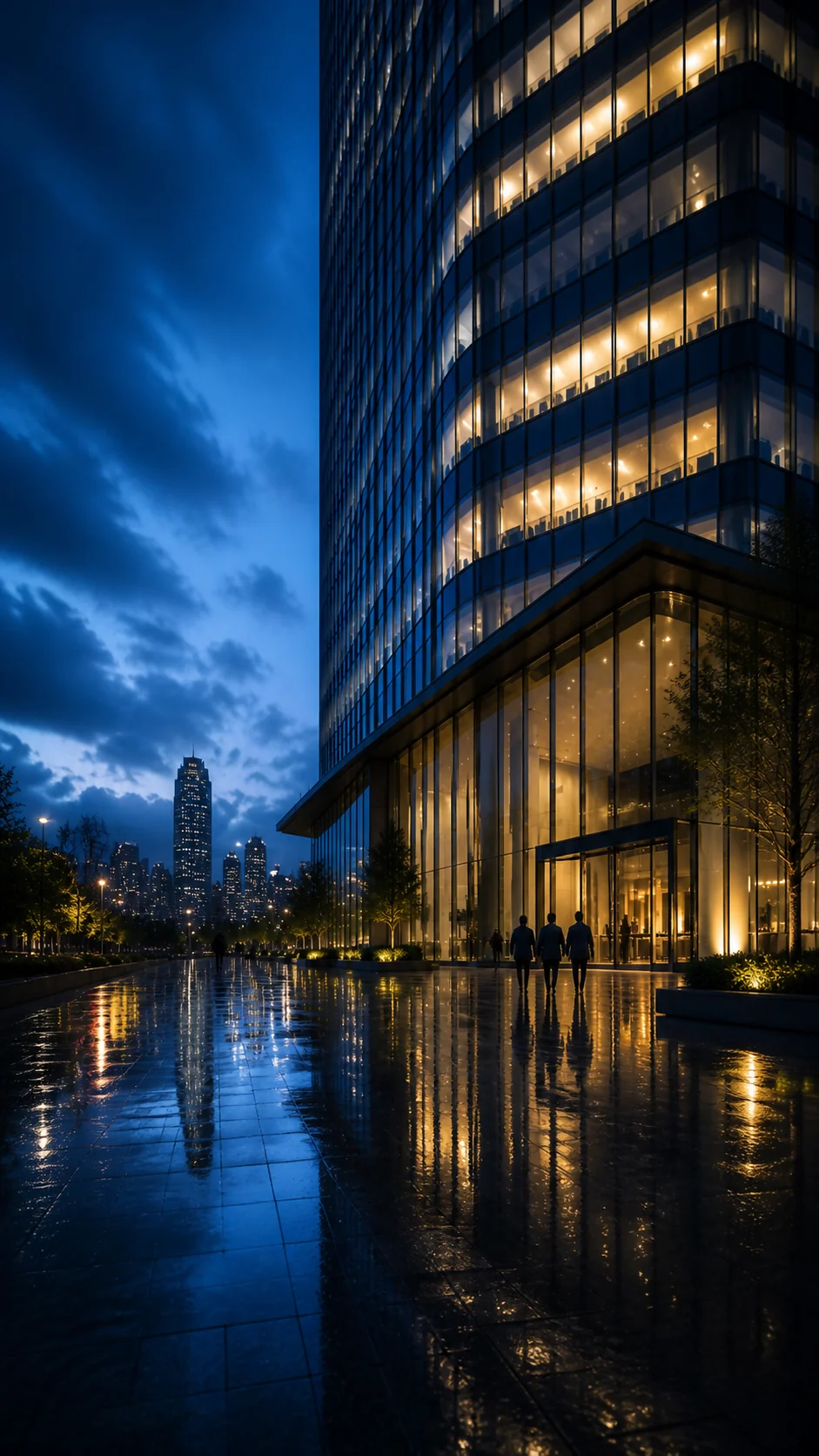
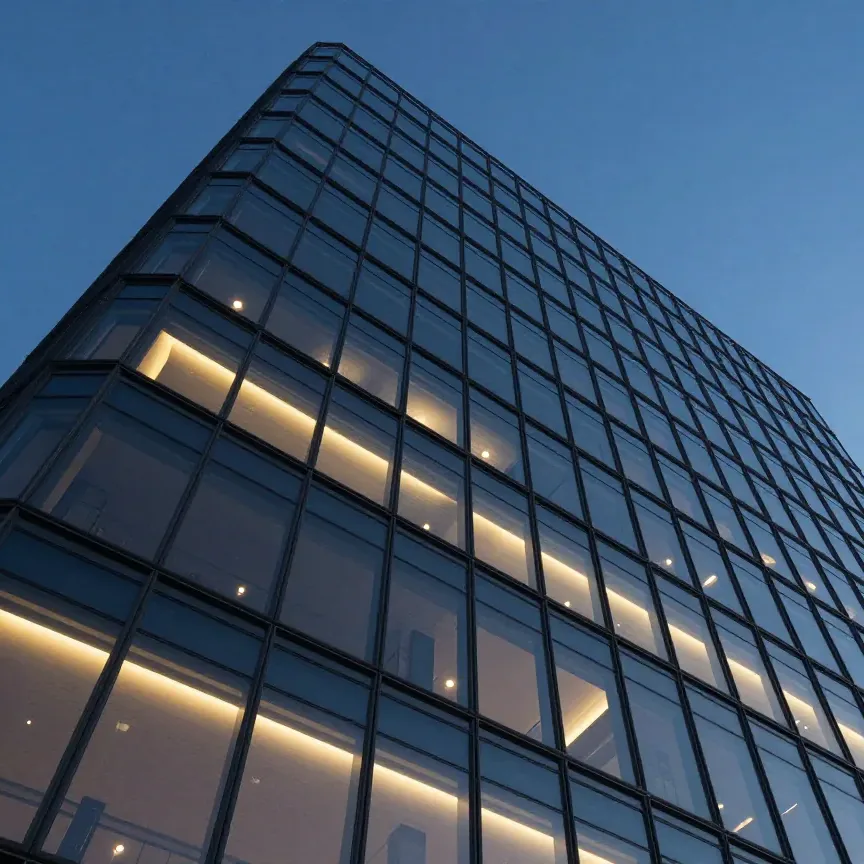
A corporate tower at dusk — internal training material produced in-house
Enterprise

Internal training that gets watched.

Onboarding, compliance and process video produced in-house, updated when the process changes.

A plated dessert shot from above — brand content generated for an agency client
Advertising agencies

Creative for every account.

Run more ideas per client without adding a shoot calendar to each one.

One render

A sentence at nine. A finished film by nine oh five.

Not speed for its own sake — speed is what lets you try the second idea, and the third, in the time the old pipeline took to return a quote.

  1. 00:00

    The sentence goes in

    What the video is, who it is for, how long it runs. One line, written the way you would say it out loud.

  2. 00:20

    Script and shot list come back

    Words before compute. Approve the read and the sequence, or rewrite the sentence and go again for nothing.

  3. 02:40

    Picture and sound render together

    GPU inference on AWS: scenes, narration, score and effects generated against one shared timeline rather than four separate ones.

  4. 04:15

    The mixed file lands

    Delivered from the same cloud pipeline that produced it — every aspect ratio, audio already balanced under the voice.

Four minutes from a sentence to a scored, mixed video. The version of this that involved a crew ended with a date three weeks out.

The company

Six people, in Prayagraj.

Artquil Private Limited was founded in 2026 and is headquartered in Prayagraj, Uttar Pradesh. The core team spans AI research, engineering and MLOps — small enough that the people building the models also answer the email.

  1. Yogita PrajapatiCEO & Founder

    Runs the business and holds the product line — what Artquil is for, and what it refuses to become.

  2. Riya SolankarCTO & AI Research Lead

    Owns AI/ML strategy: which models the pipeline leans on, and how picture and audio stay locked to one timeline.

  3. Rohit SinghML/AI Engineer

    Models and inference — turning research into a render path that finishes reliably under load.

  4. Gaurav KumarML/AI Engineer

    Models and experimentation — the quiet work of finding out which approach actually holds up on real briefs.

  5. Aman YadavFull-Stack Engineer

    Product and backend: the prompt box, the queue, and everything between the sentence and the render.

  6. Ankesh YadavMLOps & Cloud Engineer

    GPU and AWS infrastructure — capacity that absorbs a spike instead of forming a queue behind it.

Questions

Before you get in touch.

Anything not covered here, write to hello@artquil.com or talk to the Artquil team.

Do I need footage, a script or a storyboard?

No. A sentence describing what the video should be is enough — Artquil resolves the shots and writes the narration from it. If you have brand assets or a script you want kept, they can be supplied as part of the prompt.

What does “synchronized audio” actually mean?

Voiceover, background music and sound effects are generated against the same timeline as the picture, in the same pass, and returned mixed. You get a finished video rather than a silent clip plus a folder of stems.

Can I change something after the render?

Yes. Edit the sentence and re-render. Because the prompt drives the whole pipeline, changing the tone or the length is a re-run rather than a return to an edit suite.

Is the platform available now?

Artquil is in active development and is onboarding early teams. Get in touch with your use case and volume, and we will tell you honestly where you fit in the queue.

Tell us what you would make.

Describe the video you cannot currently afford to produce. That is the one we want to hear about.